Group Abstract Group Abstract

Message Boards Message Boards

0
|
5.3K Views
|
6 Replies
|
0 Total Likes
View groups...
Share
Share this post:

How to stop overwriting the previous function/expression with the next one?

Posted 2 years ago

Hello,

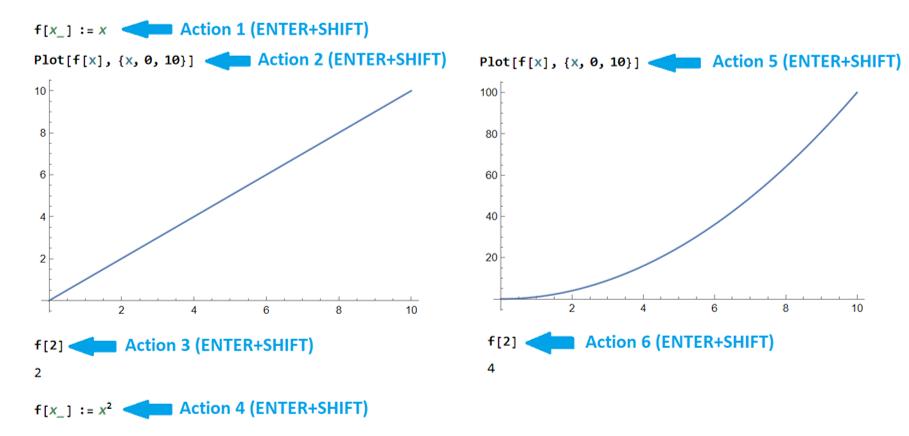
Is it possible to be stopped overwriting the previous function/expression with the next one if they have the same name?

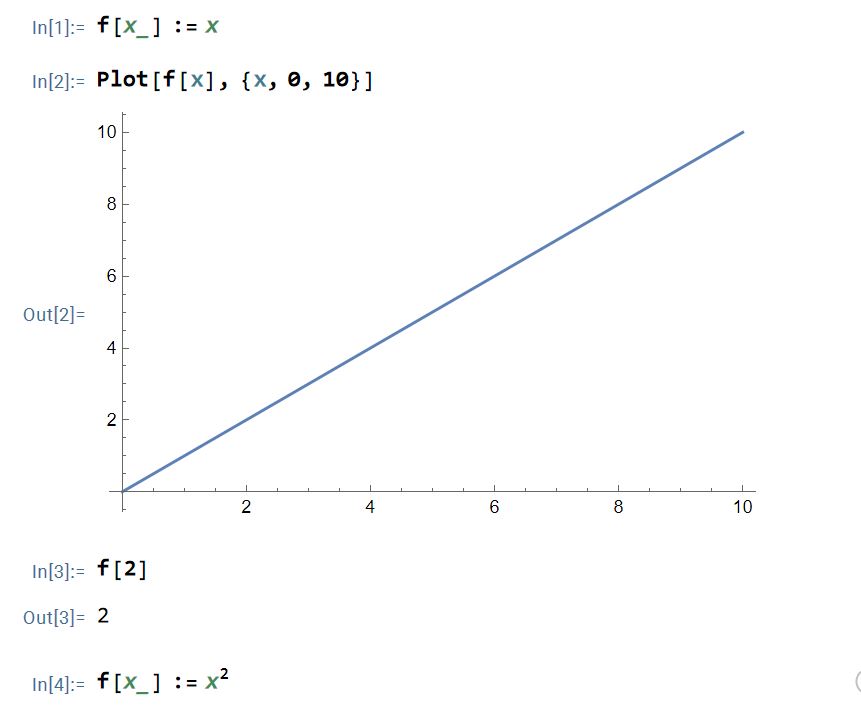
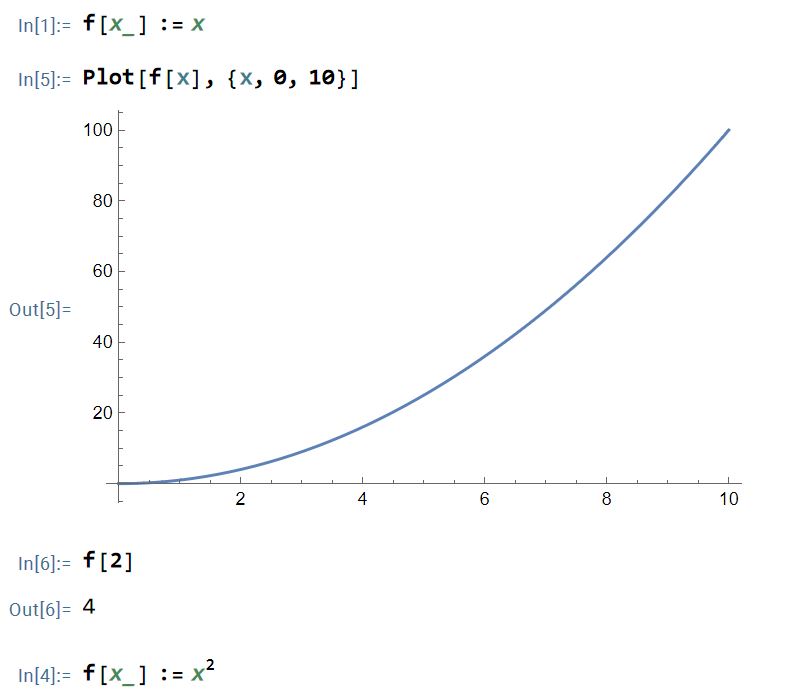
Let's say that we have a longer math file and we define a new function with the same name as a previous function, and the result is that the new function will overwrite the previous/old function.

The idea is that the new function defined with the same name does not overwrite the old function. The action of the new function to begin from its definition down, and not up. Is it possible this? (I do not know, by setting an option in the settings or something like that?)
enter image description here enter image description here enter image description here

f[x_] := x
Plot[f[x], {x, 0, 10}]
f[2]
f[x_] := x^2

Thank you.

POSTED BY: Cornel B.
6 Replies
Posted 2 years ago

Expanding on Eric's hint about contexts: Under the Evaluation menu one can set the notebook to have separate contexts for each cell group.

enter image description here

Example notebook below. Each f[x_] is localized to its respective section. Changing the definition of f in section 2 will not affect the definition in section 1, and vice verse,

POSTED BY: Hans Milton
Posted 2 years ago
POSTED BY: Eric Rimbey
Posted 2 years ago
POSTED BY: Cornel B.
Posted 2 years ago
POSTED BY: Eric Rimbey

Write ClearAll[f] before assigning a new definition should work.

POSTED BY: Sander Huisman
Posted 2 years ago

I see that it works also with Clear[f] You can look at the sequence number that I followed for In[1], In[2], etc - this was the running sequence.

So, the user must be careful to delete the definition of the new function and then to initialize the old function to be able to use the old function. And if he wants to use the new function again, he has to initialize the new function again... I thought there was a setting that would automatically take this into account.

enter image description here enter image description here enter image description here

POSTED BY: Cornel B.
Reply to this discussion
Community posts can be styled and formatted using the Markdown syntax.
Reply Preview
Attachments
Remove
or Discard