Group Abstract Group Abstract

Message Boards Message Boards

0
|
450 Views
|
2 Replies
|
6 Total Likes
View groups...
Share
Share this post:

How to improve the visualization of Plots in Wolfram Community posts?

When you post a Notebook containing figures (PNGs) in a Wolfram community post, the display quality is significantly reduced and the lines are jagged as if with very low resolution even if in the desktop Notebook the quality is very good. Any hint on how to improve the quality of the pictures displayed?

I will now do some test in this post to reproduce the problem.

If I insert the figures directly in the post, the quality is good: Static Electron
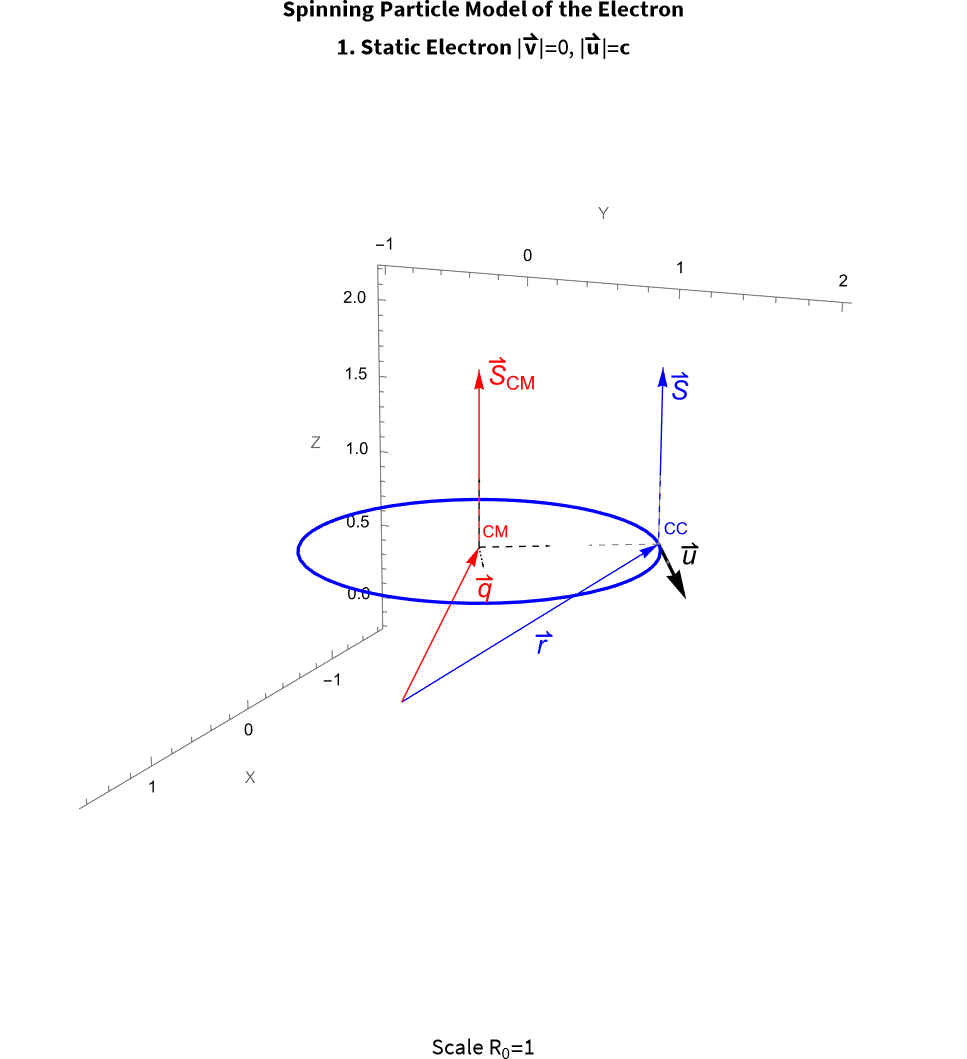
But if I use Add Notebook to insert the Notebook with the same picture, the lines are jagged:

So, the only solution I see to have a good display in the Wolfram Community would be to split the Notebook in many smaller Notebooks each time you have a figure in your Notebook and insert the pictures manually in the post or using HTML. But this seems like an absurd effort....

then introduce manually the pictures, (which if there are several, you cannot insert as a table in the post, but even a screenshot has better quality than if the pictures are included in the Notebook): enter image description here
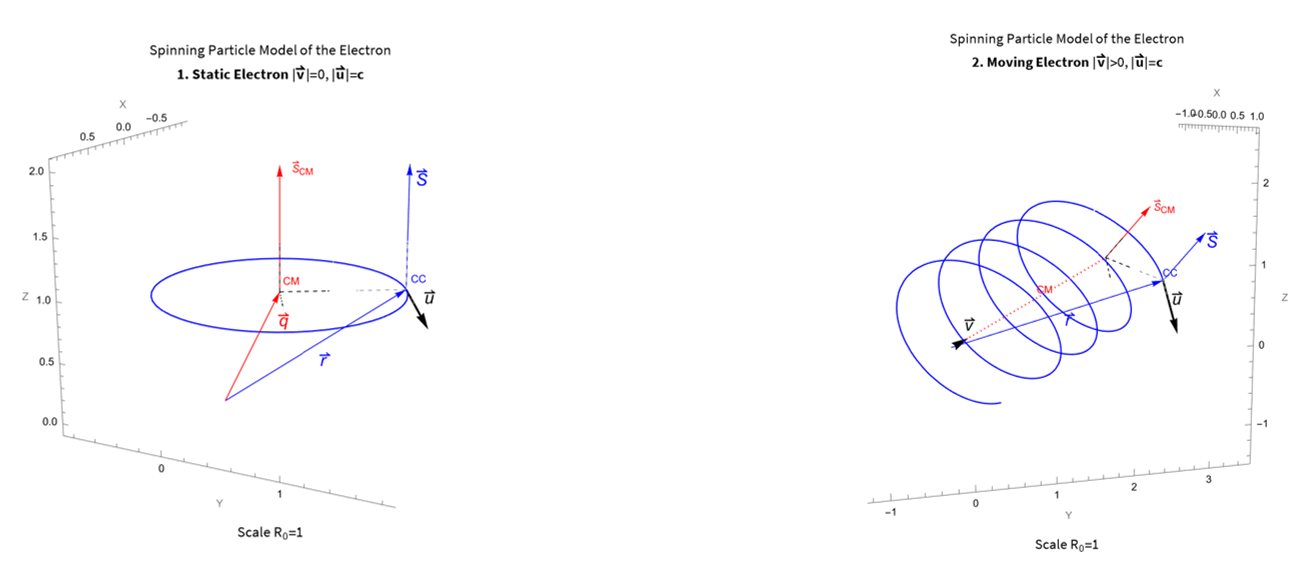
And then the Add Notebook with second part of the Notebook:

Sample equation as code Sample, why isn't it displayed as in the Notebook?

\[DifferentialD]Overscript[v, \[RightVector]]/\[DifferentialD]t=(\[DifferentialD]^2/\[DifferentialD]t^2)Overscript[q, \[RightVector]]=e/(m \[Gamma](v)) (Overscript[E, \[RightVector]]+Overscript[u, \[RightVector]] *Overscript[B, \[RightVector]]-1/c^2 Overscript[v, \[RightVector]]((Overscript[E, \[RightVector]]+Overscript[u, \[RightVector]] *Overscript[B, \[RightVector]])Overscript[v, \[RightVector]]))

Any guidance will be most welcome.

Attachments:
POSTED BY: Juan Barandiaran
2 Replies
Posted 1 month ago

Juan, thanks for posting.

Inserting the images directly in the post, directly renders the image via an image tag which has much higher quality rendering than within a cloud notebook. This, unfortunately, is something that is not great. I have some workarounds proposed below but those still involve non-trivial effort.

Problem: Poor raster quality when rendering Images (GraphicsBox[RasterBox[...]] under the hood) in cloud notebooks.

Explanation: When rendering images and raster formats in a cloud notebook, the Wolfram Cloud generates and displays a separate image based on the underlying GraphicsBox expression. That image is created with $ImageResolution = 72 which is the reason for the low-quality. That choice of ImageResolution is a combination of various legacy constraints and very real performance considerations.

Key Things:

  1. We are actively working on a more general solution to improve image quality generally, and expect to release that in a Wolfram Cloud version prior to the end of the year. As, in I am literally reviewing a pull request specifically about this as I write this up.
  2. This only affects cloud notebook rendering of such images in the Environment (/env), Deployed (/obj), and /statichtml views.
  3. The underlying quality of the image as saved in the notebook is NOT affected
  4. You can still generate an image of higher quality and save it as a file or CloudObject

I gave this same explanation and a few possible workarounds using some internal methods for directly rendering images, here: https://www.wolframcloud.com/obj/7201d94d-3157-44d6-8827-1fdf64f87c38, which I "added" a copy of to this post. Those workarounds use internal methods that essentially bypass the WL kernel to display the image data as is.

POSTED BY: John Pacey

Thank for the answer.
I will eagerly wait for the new Wolfram Cloud version by the end of the year!

POSTED BY: Juan Barandiaran
Reply to this discussion
Community posts can be styled and formatted using the Markdown syntax.
Reply Preview
Attachments
Remove
or Discard
