I have a number of DICOM files (series) from the last CT Scan of my brain.
The import is running well:
im = Import["…\IM000001.dic", {"DICOM", "Image"}];
I have chosen this command line because it keeps the MetaInformation in the image. The MetaInformation contains information like,
- SliceThickness
- SpacingBetweenSlices
- SliceLocation
I assume this information is necessary to build a proper Image3D of my brain. But it seems to me that Mathematica does not make use of it. The image below contains 25 slices / images. But the outcome is a rather flat representation: 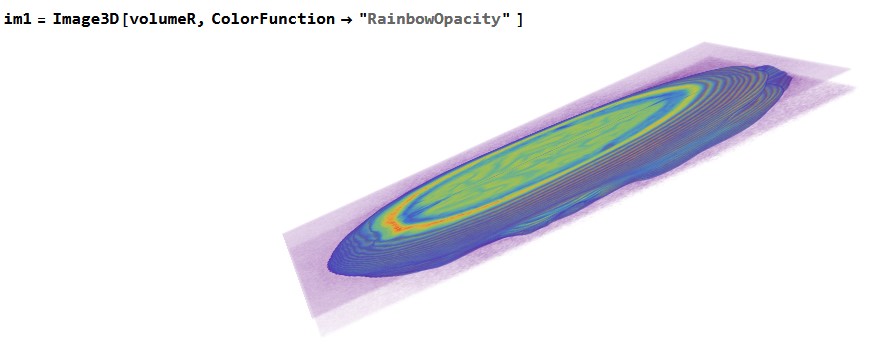 What is my mistake? Who can help?



