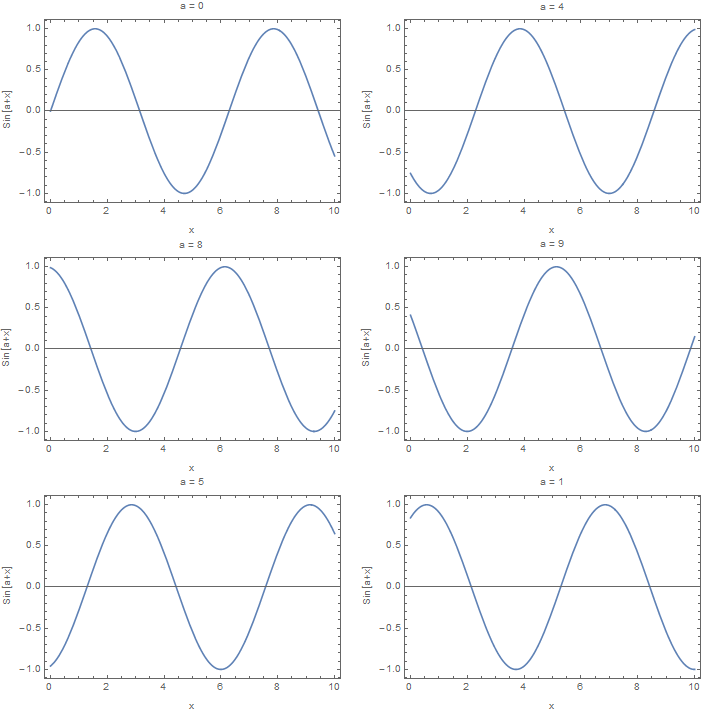
For slowing or speeding the animation one can use the "DisplayDurations" option for Export (even though the documentation only mentions this for Import):
(* Export with each frame displaying for 1 second *)
gif = Table[Plot[Sin[a + x], {x, 0, 10}], {a, 0, 10}];
Export["sin1second.gif", gif, "DisplayDurations" -> 1]
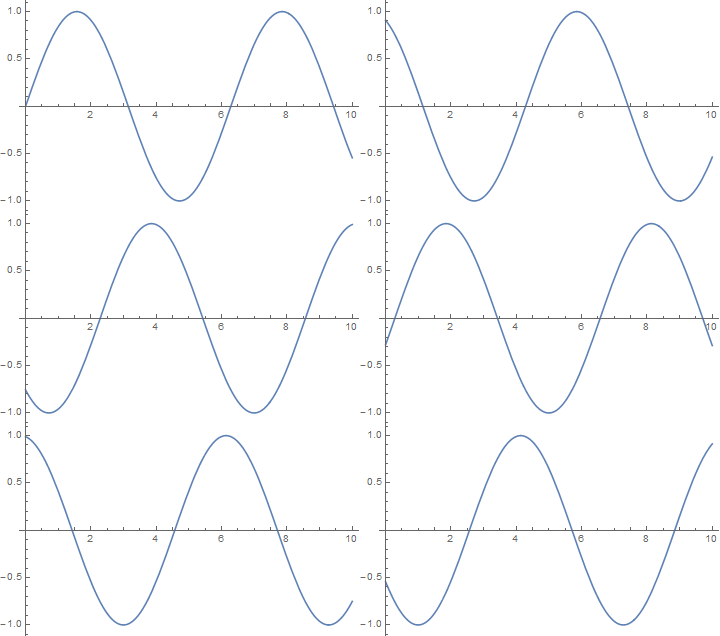
For smoother motion one can add more frames:
(* Smoother motion:  more frames *)
gif = Table[Plot[Sin[a + x], {x, 0, 10}], {a, 0, 10, 0.1}];
Export["sinSmooth.gif", gif]
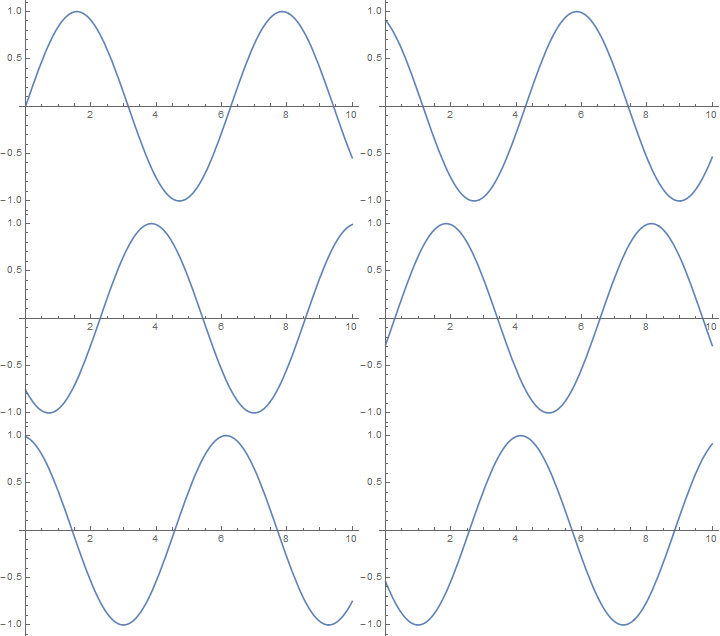
For less abruptness when going from the last frame back to the first frame one can consider running the animation backwards to the start (or with something like a sine curve having the last frame be a multiple of the wave length):
(* Remove abrupt ending by going backwards after you reach the end *)
gif = Table[Plot[Sin[a + x], {x, 0, 10}], {a, 0, 10, 0.1}];
Export["sinSmoother.gif",Flatten[{gif, Table[gif[[i]], {i, Length[gif] - 1, 2, -1}]}]]
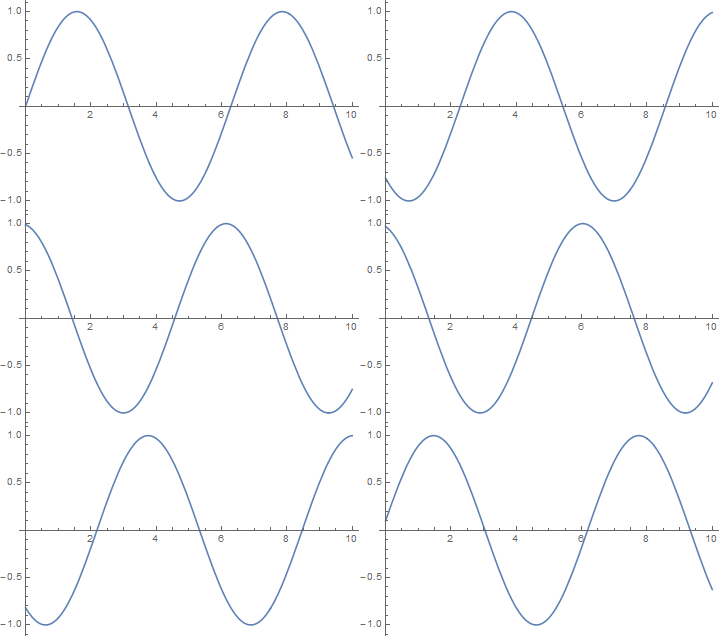
In addition, one can add some indication as to the value of the parameter being changed ("a" in this case) with either text or some sort of graphic thermometer:
(* Other enhancements:  add in a "thermometer" or some text that tells you what the value of "a" is *)
gif = Table[Plot[Sin[a + x], {x, 0, 10}, Frame -> True,FrameLabel -> {{"Sin[a+x]", ""}, {"x","a = " <> ToString[a]}}], {a, 0, 10}];
Export["sinText.gif",Flatten[{gif, Table[gif[[i]], {i, Length[gif] - 1, 2, -1}]}]]