Dear Joseph,
I only post this because it shows how I identified the problem. The next post gives a potential solution:
I can, to some extend reproduce what you describe. It would have been useful to have your code in a code box to avoid typing it again:
AbsoluteTiming[Length[fix4 = Import["~/Desktop/allStarData4.csv", {"Data", All}, "HeaderLines" -> 1] /.
Evaluate[ToExpression /@ Table["c" <> ToString[i] <> "_", {i, 1, 22}] -> ToExpression /@ Table["c" <> ToString[i], {i, 1, 22}]]]]
Note that the two examples you show in your post are slightly different: the first one contains the
"TextDelimiters" -> ""
option which gives an error in MMA 11.1.1 on my machine. Here are my results:

and
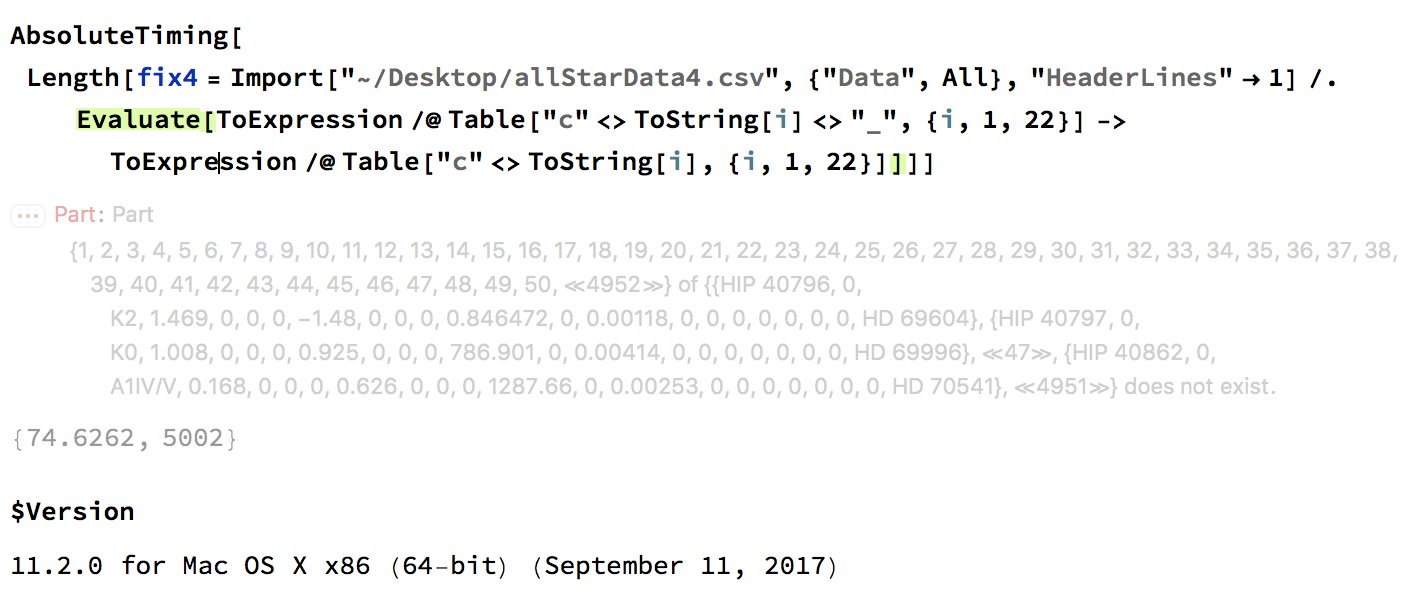
On 11.2 it give an error message and takes about 30 times longer to load. It also has only half of the entries. On MMA11.2 this here
AbsoluteTiming[Length[fix4 = Import["~/Desktop/allStarData4.csv", {"Data", All}, "HeaderLines" -> 1]]]
gives the same results as the upper command, but in less than 28 seconds; and it also only leads to 5002 rows.
Your "fixed" MMA 11.2 code:
AbsoluteTiming[Length[fix4 = Import["~/Desktop/allStarData4.csv", {"Data", All}, "HeaderLines" -> 1, "TextDelimiters" -> ""] /.
Evaluate[ToExpression /@ Table["c" <> ToString[i] <> "_", {i, 1, 22}] -> ToExpression /@ Table["c" <> ToString[i], {i, 1, 22}]]]]
gives an error message and runs for 336 seconds.
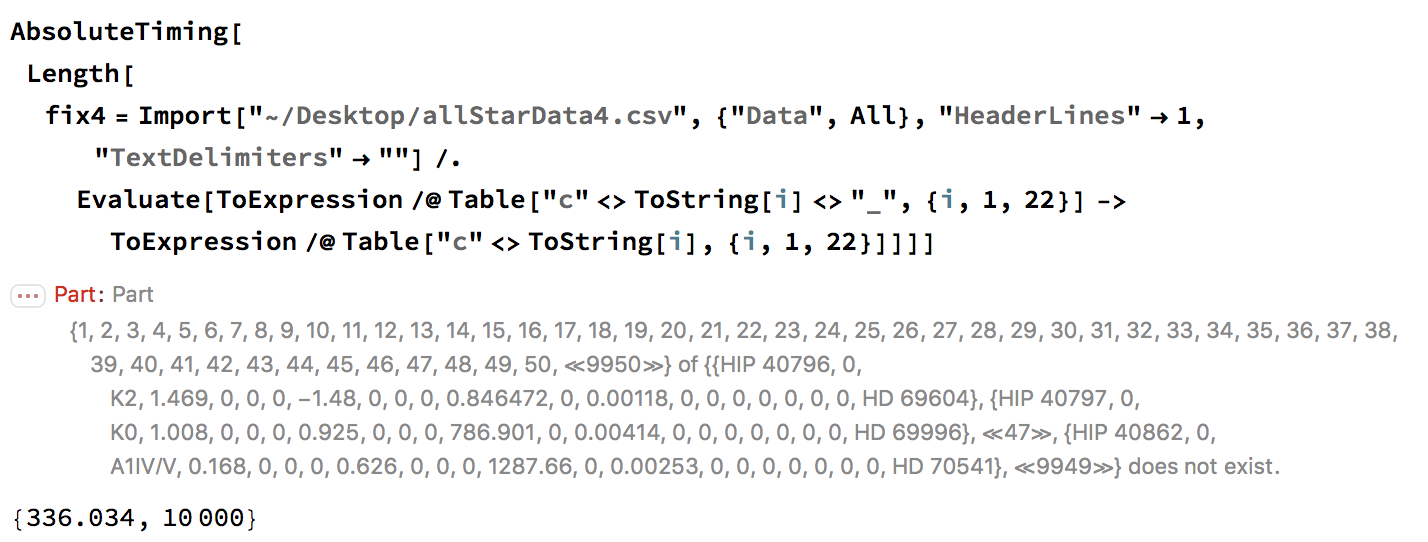
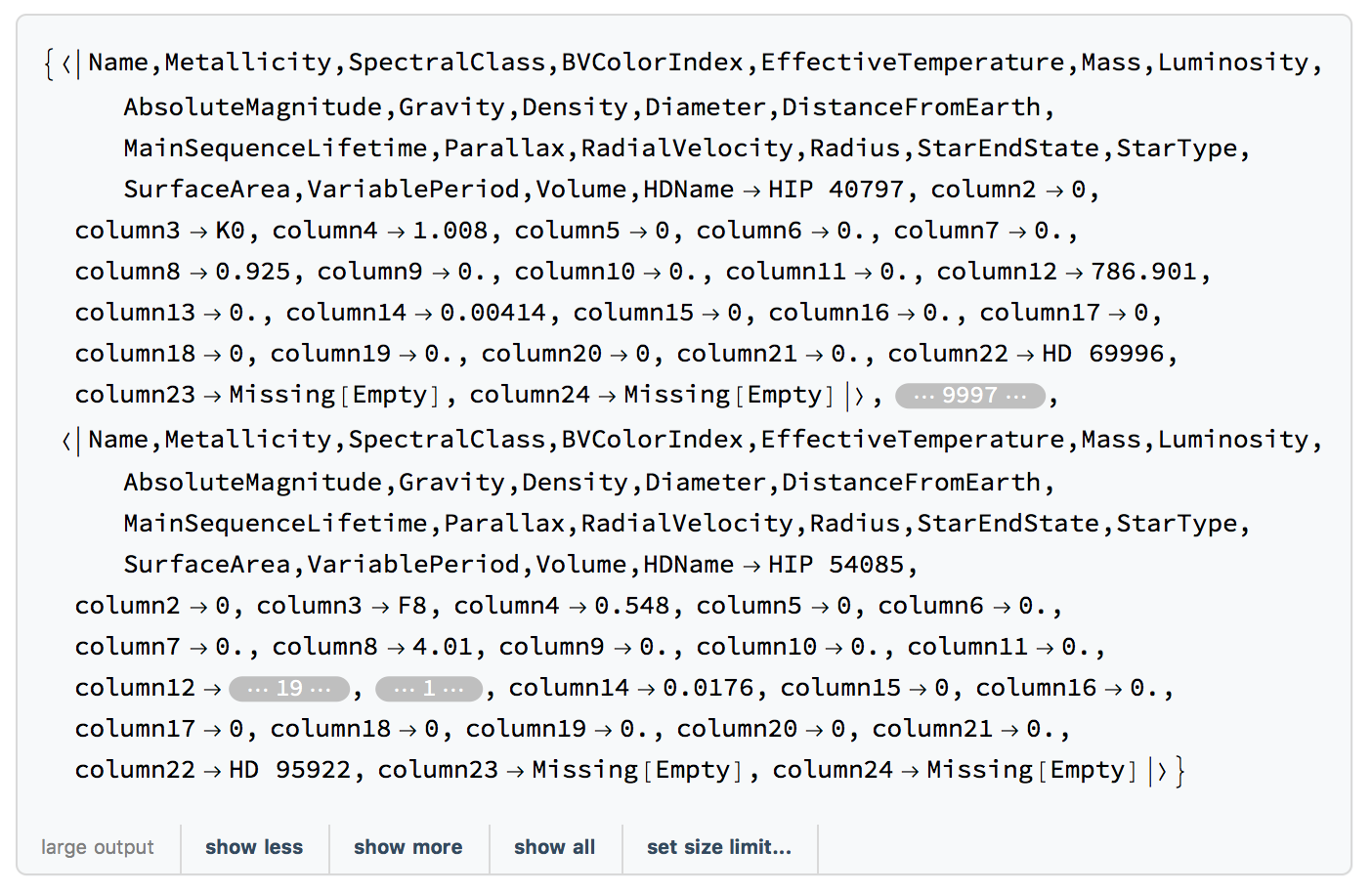
The Import probably takes long because it is gigantic:
fix4[[1]]
gives
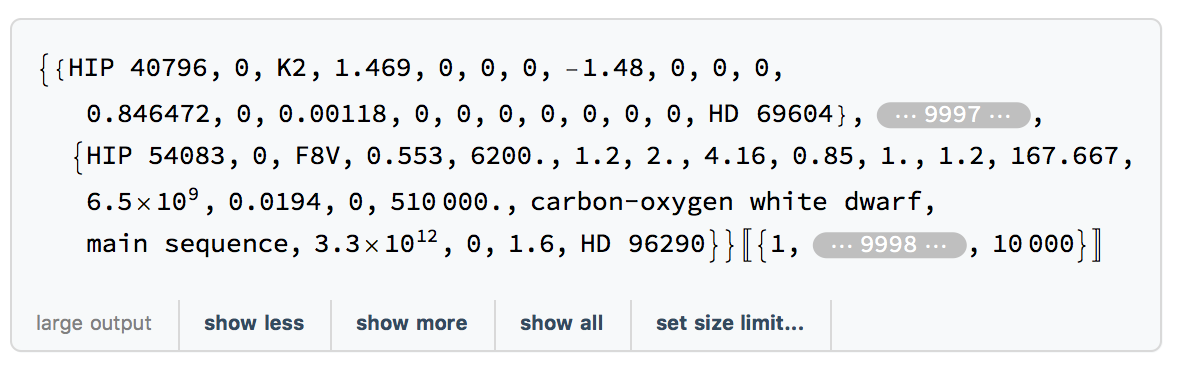
and
fix4 // ByteCount
gives 77724720080.
By the way, does exporting the data work for you in MMA11.2 directly?
Export["~/Desktop/allStarData412.csv", fix4]
takes excessively long on my machine, probably because it is enormous. In fact, I interrupted it after about 20 minutes without success.Can anyone check whether this works on their machines?
I also noted that SemanticImport does success in importing the file and is relatively fast:
AbsoluteTiming[Length[fix5 = SemanticImport["~/Desktop/allStarData4.csv", "HeaderLines" -> 1]]]
gives
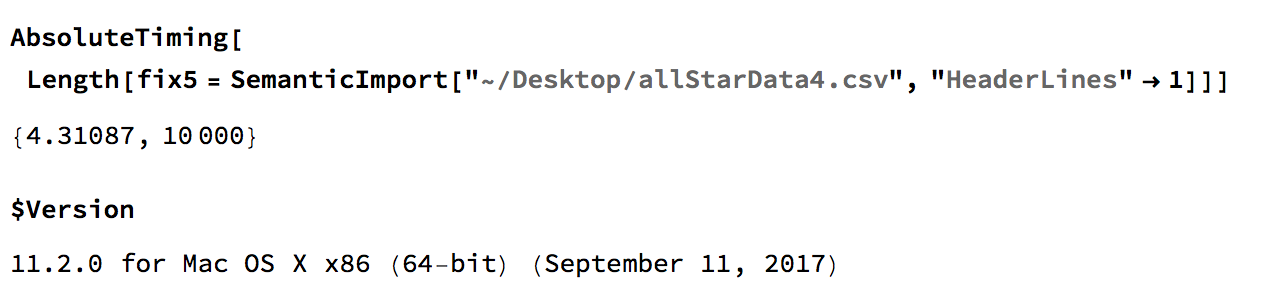
The HeaderLine option doesn't make any difference so you can delete it in this case. If you look at the output you can recover your data, but it misinterpreted the header.
Best wishes,
Marco



