**** NOTE: the original post has been changed after I replied *********
Hi,
could you try to make it a little bit clearer what you mean?
i am trying to incorporate the following attached table.
Incorporate into what? Incorporate into a notebook? Then this should do the trick:
data = Import["~/Desktop/my_table.txt", "TSV"]
where you have to change the path according to your system.
data[[3 ;;]]
would give you the columns of numbers only. You might also want to try the brand new:
SemanticImport["~/Desktop/my_table.txt"]
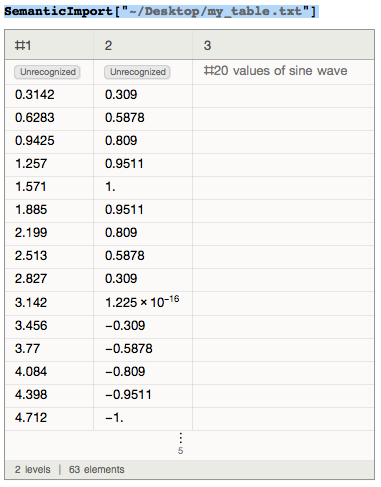
You can then easily work with the data:
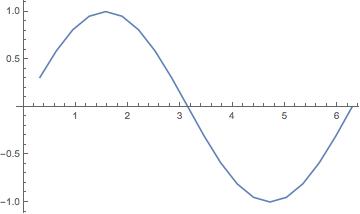
ListLinePlot[data[[3 ;;]]]
for example gives this nice figure:
i am not getting the correct enteries i should fill in general settings tab.
I am not really sure what you mean with that. In which general settings tab?
Perhaps you can explain in some more detail where your problem is.
Cheers,
Marco



