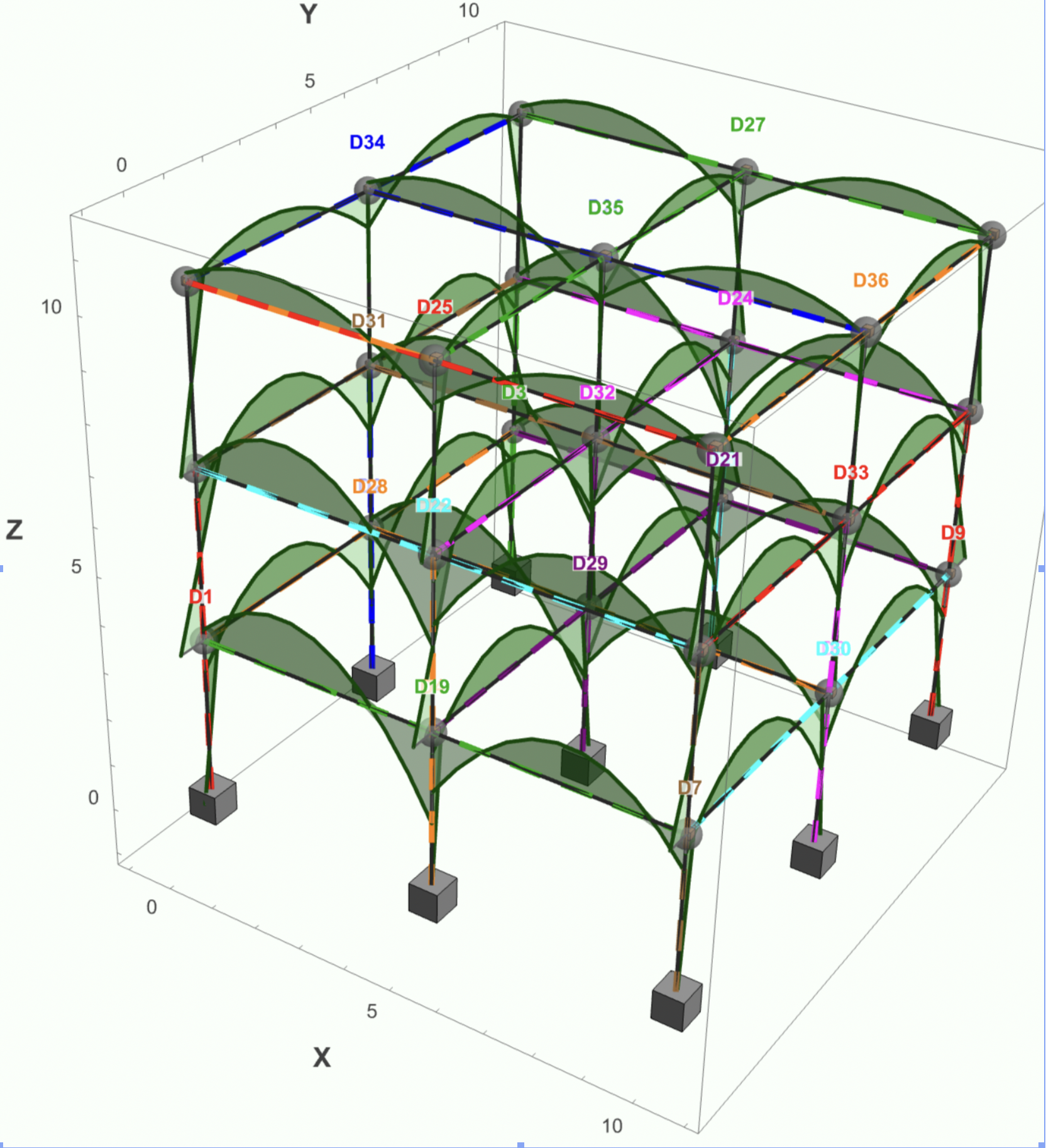
 I have used Mathematica since 2001 and have often wondered why so few other civil/structural engineers use it. I think they are missing out so I wrote a book An introduction to Mathematica for Civil Engineers showcasing examples of its use in solving everyday problems engineers are likely to face. This available for free in the Notebook Archive at from https://notebookarchive.org/2025-03-cx2tujb
I then followed it up with another free book Using finite elements to analyse structures in Mathematica designed to be a practical manual on how to use Wolfram's excellent finite element solver, which is a standard part of Mathematica, on typical engineering problems. This is also available for free in the Notebook Archive at http://www.notebookarchive.org/2026-01-dtiqavj/
Now I have written a program for Analysing 3D space frames. Written entirely in Mathematica, it is highly interactive and makes full use of Mathematica's graphic, dynamic and database abilities. It is free to download and use: https://www.wolframcloud.com/obj/77a0a9ee-a5cf-48a1-819c-5c87f972d74c
Building the model is designed to be quick and easy. UK, European and American sections are included and it is straightforward to include any custom section you wish. Custom libraries are easy to set up and can be made always available between models. All sections may be shown in 3D and the type of nodal supports are clearly shown i.e. fixed, pinned, roller or spring in any direction. Members and springs can act in tension or compression only, or in both directions. 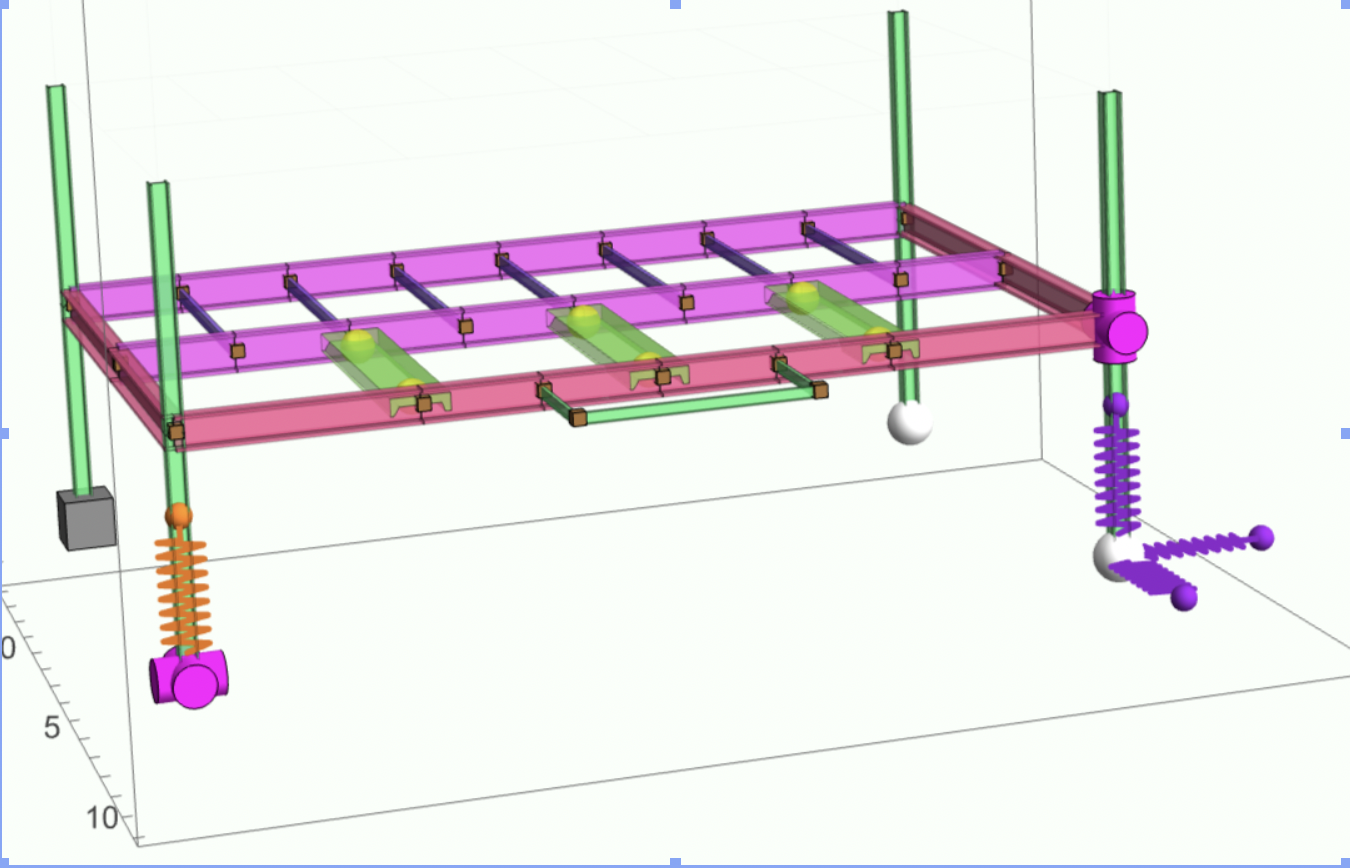 In addition to building a model within the program, models can be imported. Especially useful where unusual frames are described using Mathematica's graphic and computational tools. Any number of load cases can be added and are visually represented on the model.
 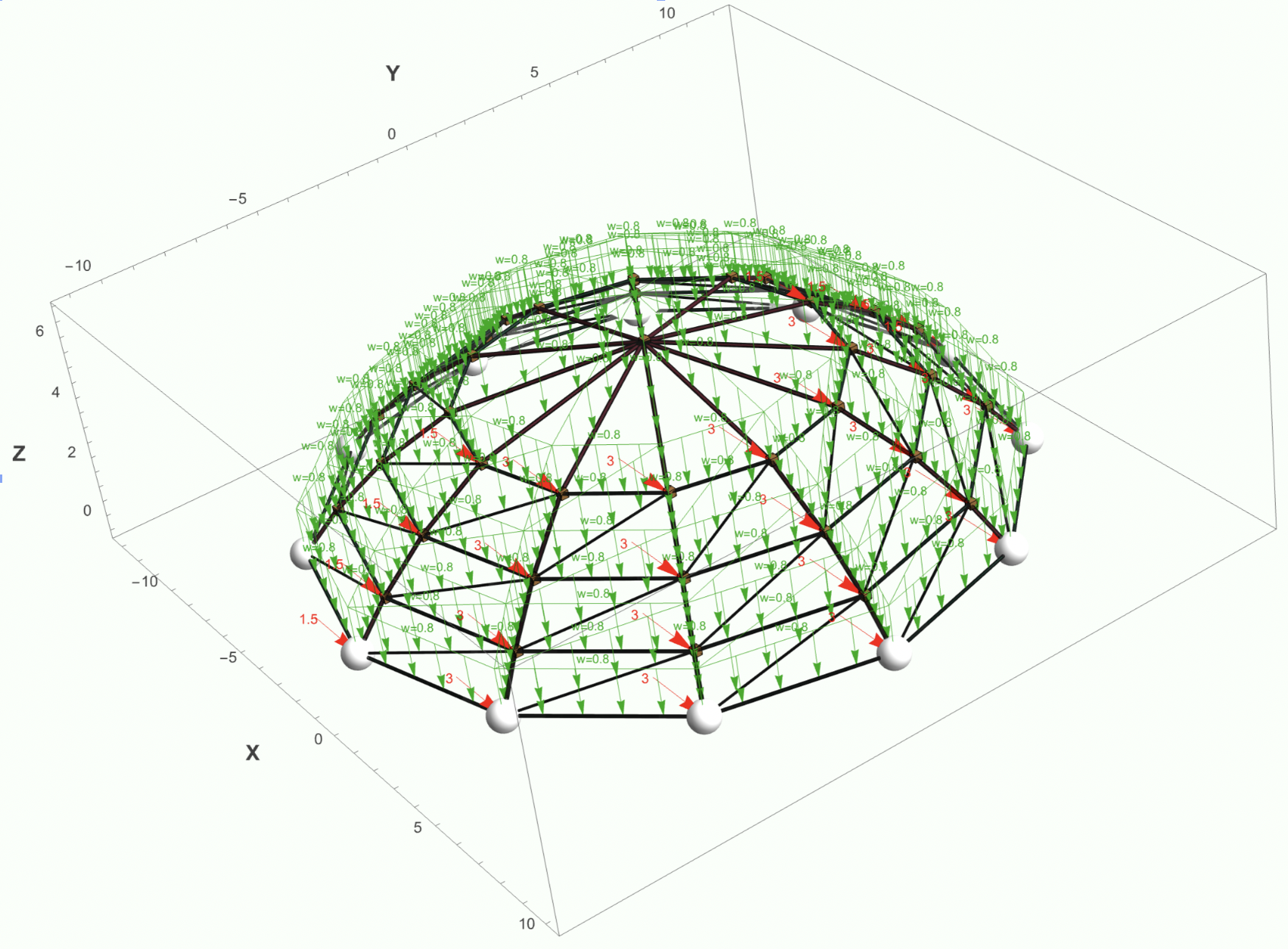 Thought has gone into the presentation of the results. In addition to the usual full or clipped model plots with forces and deflections, with or without values, selecting a member will show the graphical results for all actions at any point on that member.
 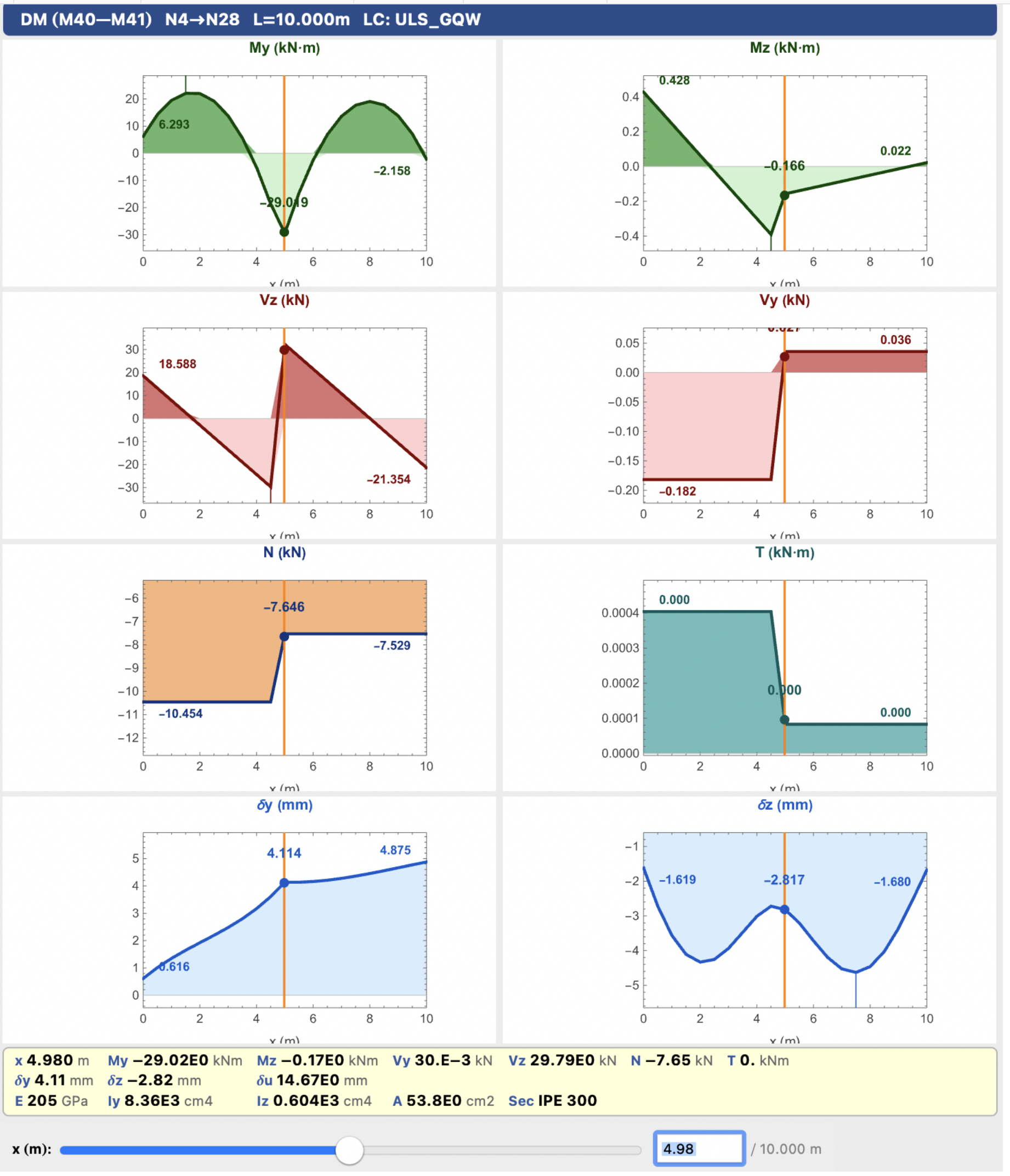 With one click you can also bring up a database of that load case, or all load cases. This shows the member, the section the maximum and minimum axial forces, shear, moments and torsion on the member with full graphical details available at a press of a button. This makes checking the results very visual and easy.
As the program exists as a function, it can be called, when needed, from within its own, or any other, notebook. It therefore forms part of your workflow so your whole design can be in one document from initial calculation of loads, the analysis to final section design.
The program is fully functioning but is offered as a beta version to be used at your own risk. Please use it and let me have your comments. Further development of the program is possible i.e. thermal loads, natural frequencies and 2nd order analysis but this will depend on the traction that this issue of the program receives. In the meantime, enjoy!
The program can be installed from the Wolfram Paclet Depository using the following link https://resources.wolframcloud.com/PacletRepository/resources/MalcolmWoodruff/Framica/ Once installed it can be loaded by evaluating, once per session.
Needs["MalcolmWoodruff`Framica`"]
Then it can be called as required, in any notebook, by evaluating
Framica[]
You may have to adjust your window size to see the whole interface. The manual for the program can be downloaded from
https://www.wolframcloud.com/obj/77a0a9ee-a5cf-48a1-819c-5c87f972d74c



