Control additional options on a USB camera Device?

When I want to interface Mathematica and a USB camera I use the DeviceOpen Function,the USB generic camera that I want to setup have exposure and some other adjustable parameters, but I only have the next options in the Camera class.

Does anyone knows how can I add or set other Properties for my device. Also I would be very helpful if someone knows how to build this controllers for USB cameras.

I have the same question. I see this received no answers so I’d like to reawaken it

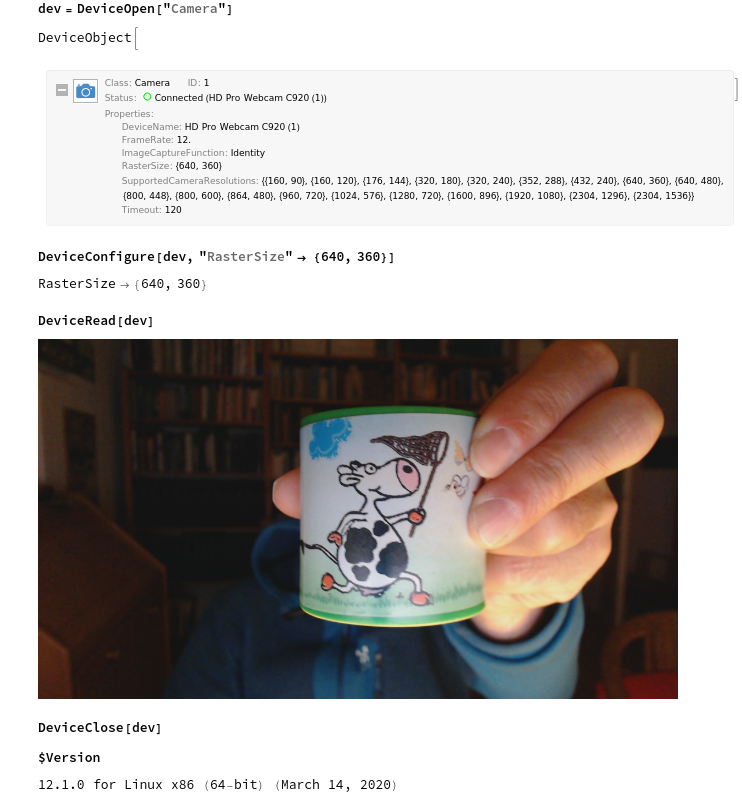
Being newly the proud owner of a webcam I gave it a try, and everything presumably works:

As it seems with this type of camera I can only adjust the rastersize / imageresolution.

(The device shown in the image is an essential one: it is permanently laying on my desk; if turned upside down it makes “moooooh” - and this is in order when things become too scientific and serious!)
[1]: https://community.wolfram.com//c/portal/getImageAttachment?filename=camera.png&userId=32203