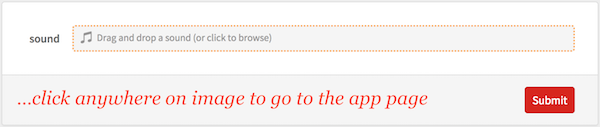
MODERATOR NOTE: for true Star Wars fans this post has a related Wolfram Cloud App, which you can access by clicking on the image below. Read the full post below to understand how the app works. May the Force be with you.
Kylo Ren voice in Star Wars The Force Awakens is very cool. When I watched the movie in 2015, one of the first things that came up to my mind was how to do such voice in Mathematica. At the time Mathematica capabilities to manipulate sounds were very simplistic, and was not possible to do such thing.
I'm far far way to be a sound expert, but I tried do something like this:
file = Import["https://s3-sa-east-1.amazonaws.com/rmurta/murta-audio.wav"];
audioOrg = Audio[file];
audioKylo = AudioPitchShift[audioOrg, 0.9];
audioKylo = AudioFrequencyShift[audioKylo,-200]//AudioAmplify[#, 4]&
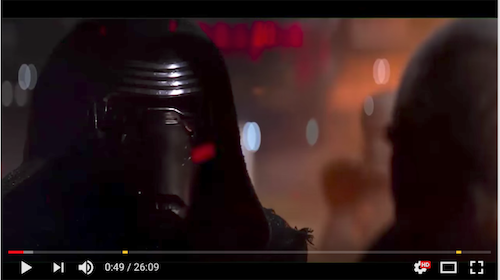
youtube link for Kylo
See original post in Stack Exchange, where I ask for improvement in the sound hack.
After that, why not create a cloud app for that?!
This is amazing about Mathematica, with one line of code you can create a App, and everybody can play with It!
CloudDeploy[FormFunction[{"sound"->"Sound"},
AudioAmplify[AudioFrequencyShift[AudioPitchShift[#sound,0.9],-200],4]&],
"kylo-voice-by-murta",Permissions->"Public"]
Here is the link, so you can try it: kyle-voice-by-murta.
Record your sound and speak like Kylo!



